
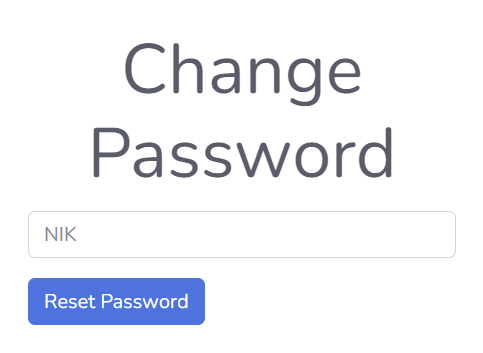
We have detected that you are still using the default password. To ensure the security of your account, we strongly recommend that you change your password immediately through the E-Portal application.
Your Device ID does not match the registered NIK Functional in CRM.
What to do next?
Tap the button below to request verification
ID Perangkat anda tidak sesuai dengan NIK Functional yang terdaftar di CRM.
Apa yang harus dilakukan selanjutnya?
Tekan tombol dibawah ini untuk meminta verifikasi
ID Device:
Your verification request has been sent successfully. IT Support will review it and update your access.
Permintaan verifikasi Anda telah dikirim, tim IT akan meninjau dan memperbarui akses Anda.
Please wait for confirmation / Mohon tunggu konfirmasi
Need help ? Contact IT Support / Butuh bantuan? Hubungi IT Support
ID Device:
Your device ID is not registered in Archidoc system, IT Support will registered your access.
ID Device anda tidak terdaftar pada sistem Archidoc, tim IT akan mendaftarkan akses Anda.
Need help ? Contact IT Support / Butuh bantuan? Hubungi IT Support
ID Device: